Query Letter
A query letter is the plain-text introduction you send with your manuscript to an editor or agent. Scriblit lets you write it, keep it saved with your project, and decide exactly how — or whether — it travels with your exports.
What a query letter is
A query letter is the accompanying letter you submit to an editor or agent introducing your manuscript. It’s distinct from your title page: Scriblit stores your title, byline, and pitch in the front matter of your document, while the query letter is a separate piece of prose you either send in the body of an email or as the first page of your submission package.
Writing your query letter
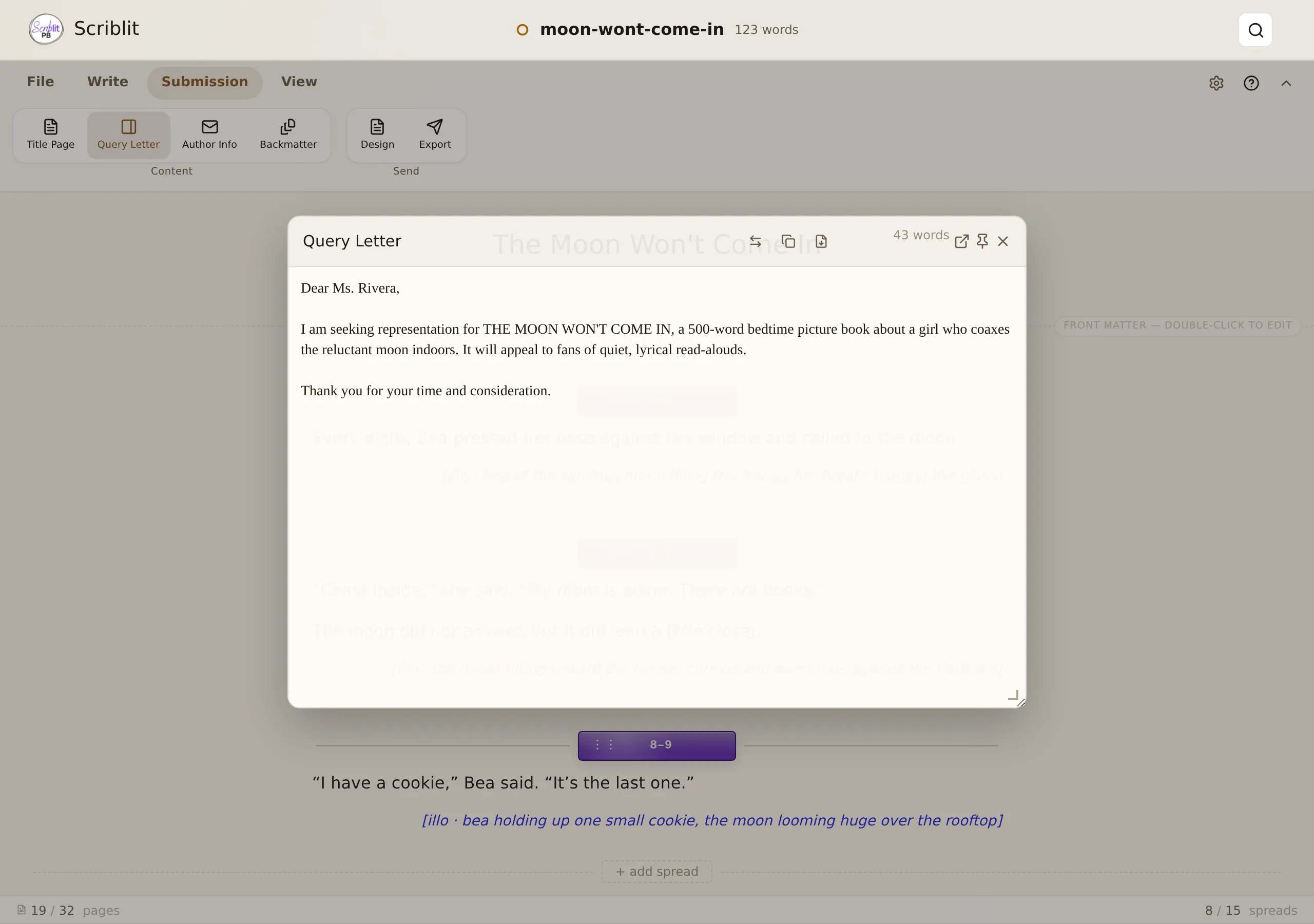
Open the Query Letter overlay from the Content group of the Submission tab, or from the Workspace menu in Compact. It floats above your manuscript rather than sharing space with it, so you can keep writing while you check your letter.
- Move it by dragging its header anywhere on screen.
- Resize it with the handle at its bottom-right corner.
- Pin it with the pin icon in the header to keep the manuscript behind it interactive — useful when you want to glance back and forth. Unpinned, it behaves like a dialog: clicking outside it, or pressing Esc, closes it.
- Pop it out into its own browser window with the pop-out icon, so you can keep it open on a second monitor. This is available with a mouse on desktop; it isn’t offered on touch devices.
- Swap with your manuscript: the swap icon in the header replaces your manuscript’s writing area with a full-width query-letter surface, while a read-only, pinned copy of your manuscript takes the overlay’s place so you can check details as you write. A Swap back to manuscript button in that surface’s header returns everything to normal.
On a phone or narrow tablet, the overlay becomes a fixed sheet at the bottom of the screen instead — it can’t be dragged, resized, pinned, or popped out there. It shares that slot with the Author Notes overlay: opening one closes the other, since only one sheet fits on a narrow screen at a time.
- The overlay is a plain-text field only, with no rich formatting, no spreads, and no illustration notes. Type or paste your letter as you would write it, and every line break you add is preserved exactly as typed.
- Your query letter is saved inside your
.spbproject file alongside your manuscript, so it opens wherever your project opens. - A live word count sits in the header, along with Copy query letter and Export buttons (both disabled until you have written something).
Export options
You control what happens to your query letter at export time from the Export dialog (Export on the Submission tab, or File → Export). Open Change what’s included under the Include section, and choose one of three modes for Query letter:
- None: the letter stays private and never appears in any manuscript export. Use this if you send the query letter separately from the manuscript, or if you’re sharing only the story itself.
- Before manuscript: the letter becomes page one of the export, followed by a page break before the story begins — a single file that includes your introduction and your full manuscript.
- Letter only: the query letter is exported on its own, without the manuscript, using whichever format and destination you have chosen in the dialog.
Until you choose one of these explicitly, Scriblit decides automatically: if you have written a query letter, it is placed Before manuscript; if it is blank, it is treated as None. Check Remember these options for this manuscript in the dialog to save your explicit choice as this document’s default for future exports.
Note that Focus Mode exports (the read-through copies like “Story text only” or “Story + art notes”) never include the query letter, since those are clean reading copies, not submission packages.
Exporting or sending it on its own
From the Query Letter overlay, two quick actions help you share your letter without opening the full Export dialog:
- Copy query letter: copies the plain text to your clipboard, handy for pasting directly into an email body or a web form.
- Export: opens a dialog where you choose the file type (PDF, Word (.docx), or Plain text) and the export scope — Query letter only, or Query letter + manuscript (the letter first, then the manuscript on following pages).
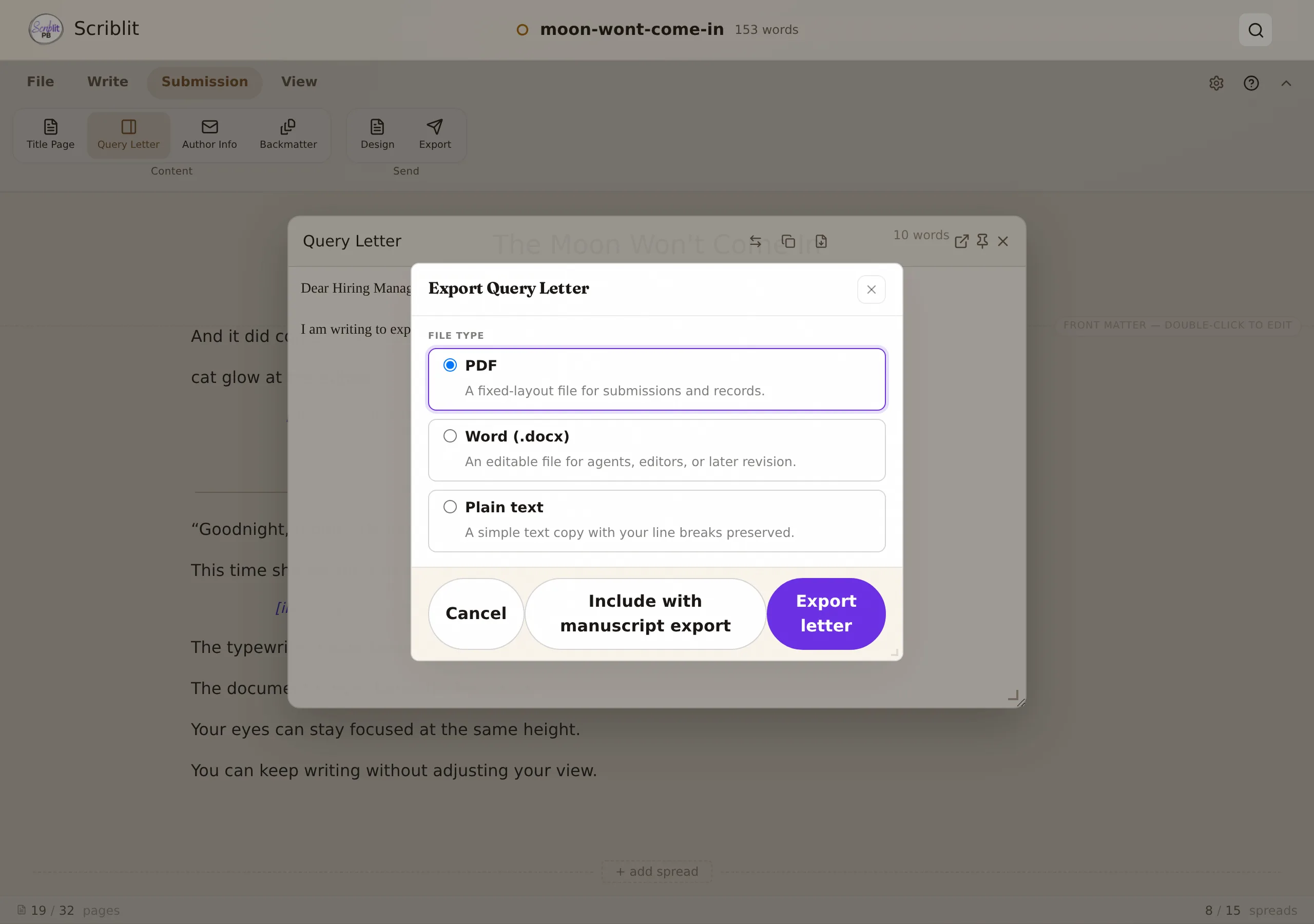
The same Letter only export is also reachable from the main Export dialog by setting the Query letter mode described above, then exporting as usual — useful when you also want to send it to Google Drive or your device’s native share sheet, options the overlay’s own Export dialog doesn’t offer.
Privacy
Like your manuscript and author notes, your query letter lives only in your local .spb project file. Scriblit doesn’t send it anywhere unless you explicitly copy, export, or share it. When you choose a Google Drive destination, your file goes directly from your browser to your Google account, with no intermediate servers involved.